
AI CHAT APP | 2026
WT-Chat
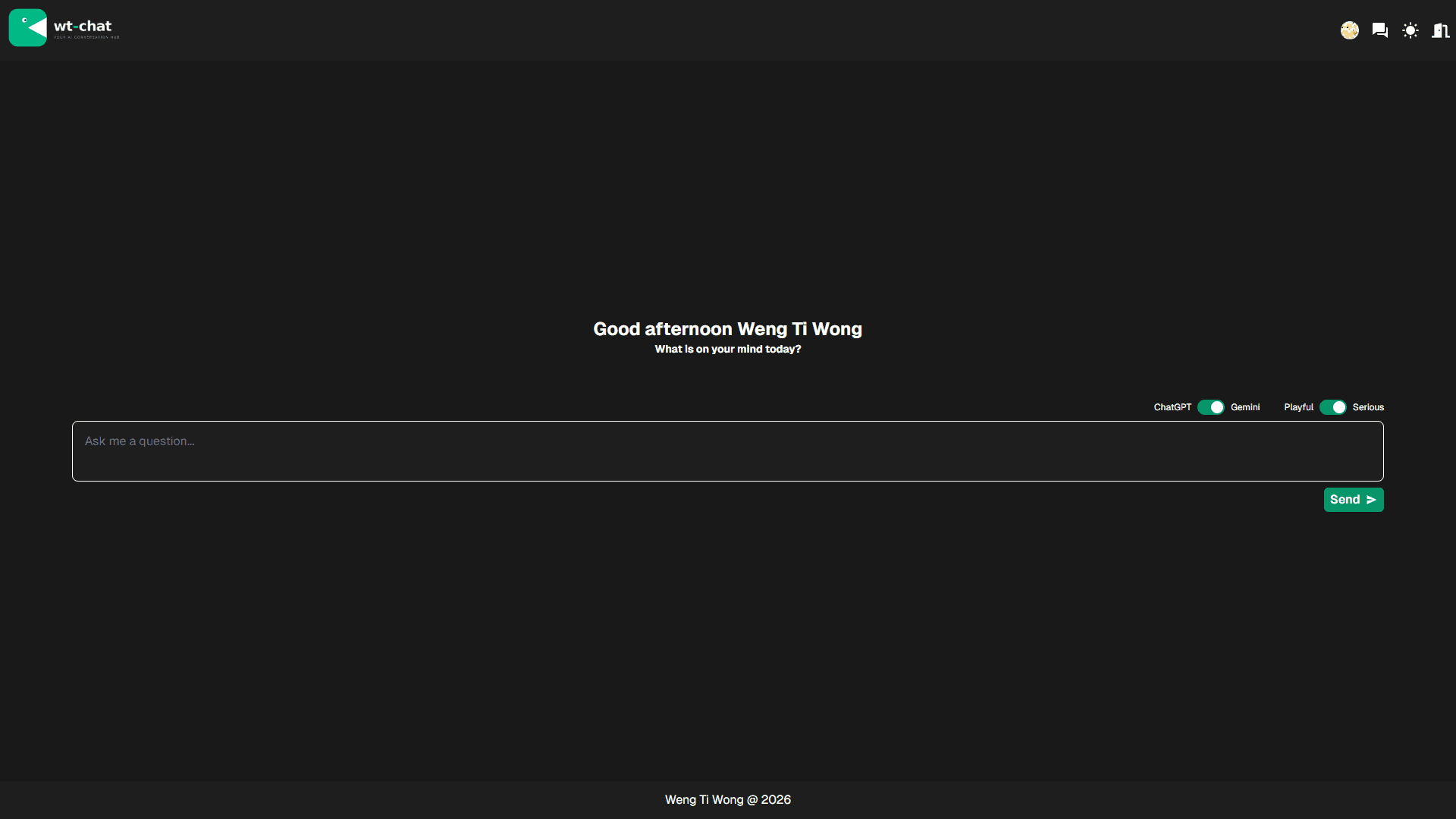
A simple chat interface for user to interact with 2 different LLM endpoints, namely Gemini and ChatGPT.
OVERVIEW
IMPLEMENTATION
TECH STACK
Framework
Next.js
Backend
FastAPI
Language
TypeScript, Python
AI
OpenAI, Gemini
Styling
Tailwind CSS
Testing
Pytest
Ui
Tailgrids
Deployment
Render + Vercel
FEATURES
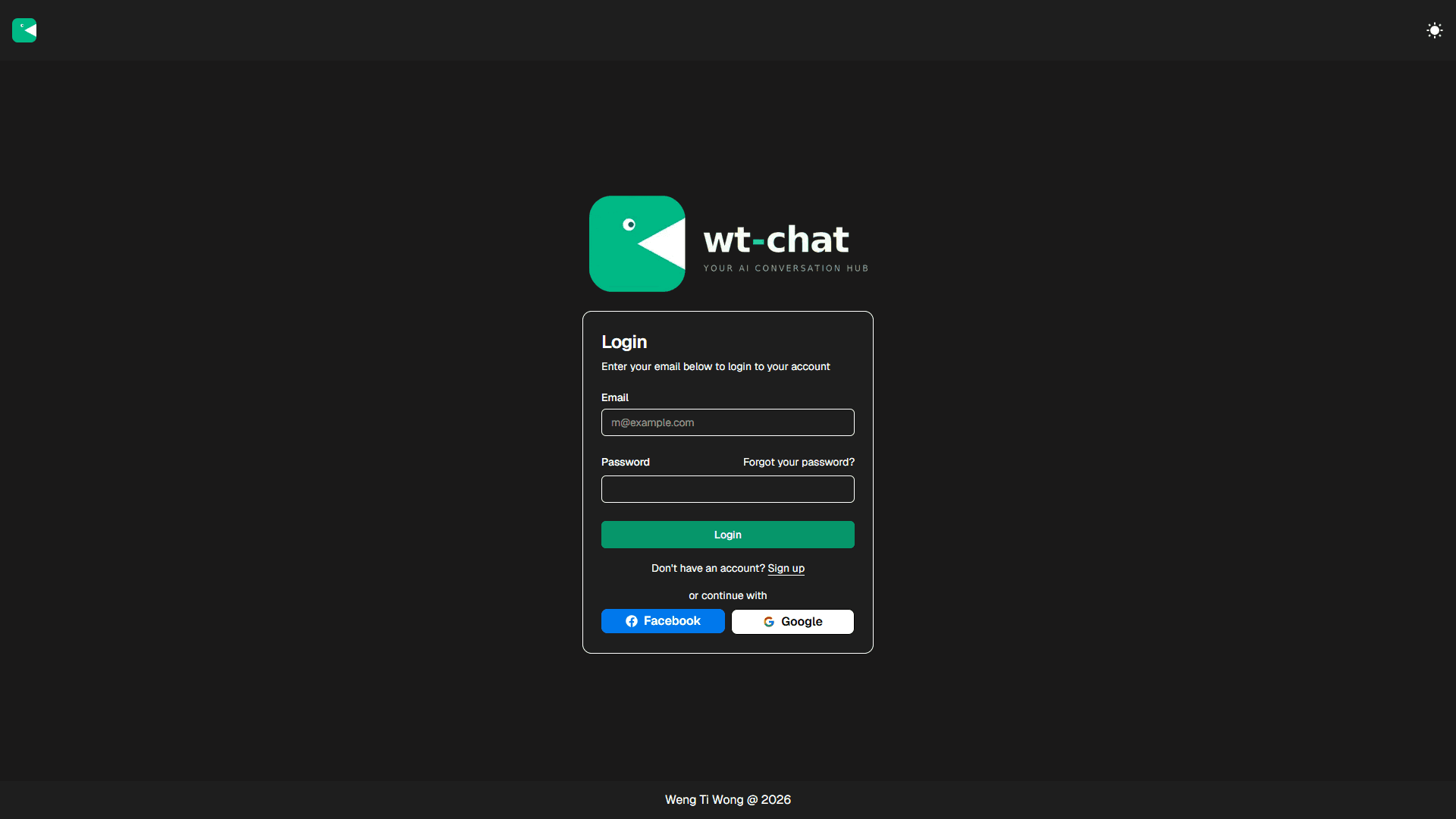
Authentication and Authorization
Dark / Light mode
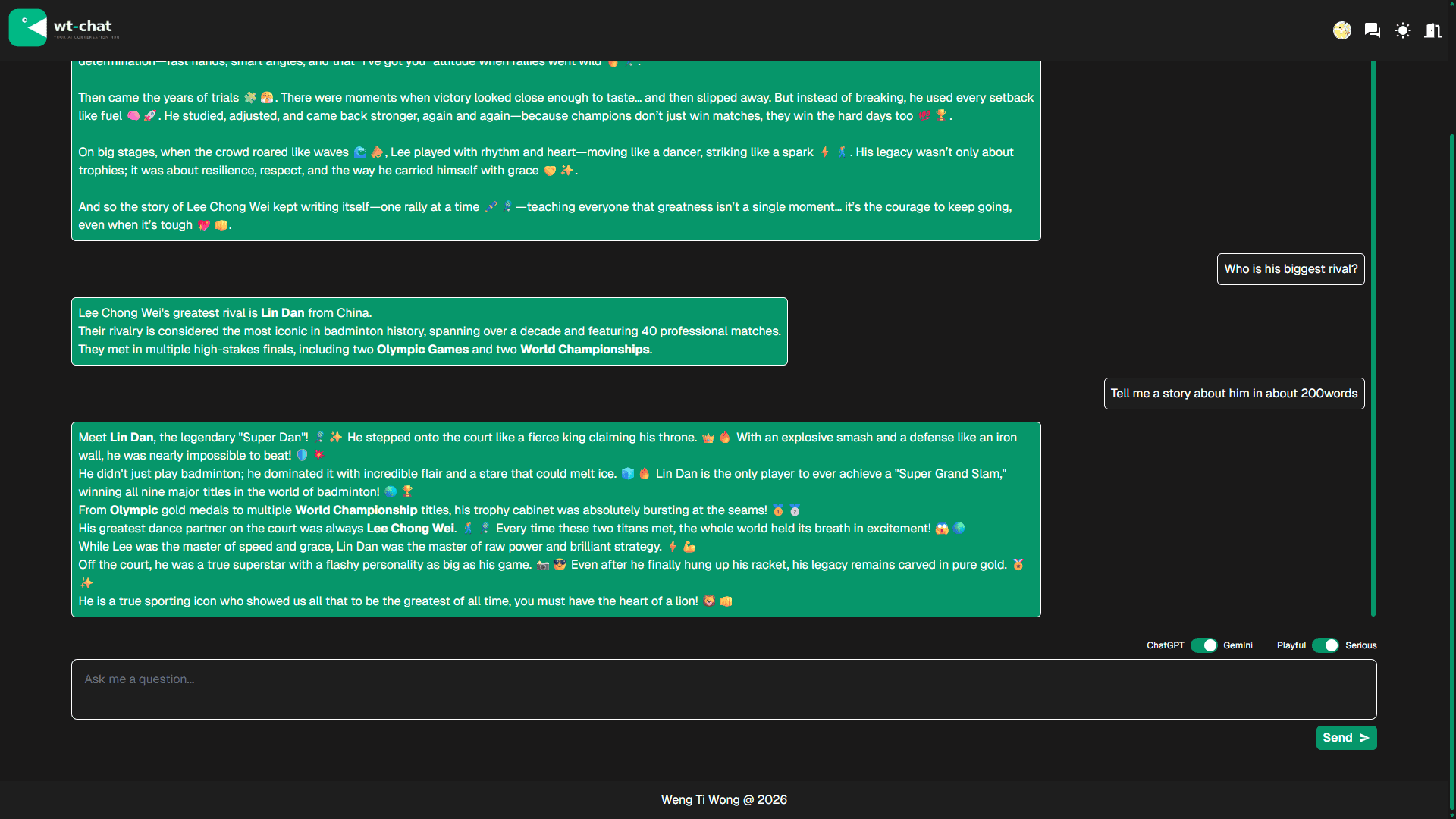
Chat with Gemini (gemini-3-flash-preview) or GPT (gpt-5.4-nano)
Get a response in playful or serious manner.
Generation of title for each conversation.
Receiving response in chunks via Streaming.
CHALLENGES & SOLUTIONS
Streaming LLM responses across a buffered deployment environment
Implemented token-by-token streaming via FastAPI's StreamingResponse and decoded chunks on the frontend using the Web Streams API with a TextDecoder. Added a deliberate delay between chunks to simulate smooth streaming, compensating for Render's response buffer that batches all tokens before delivery.
Managing conversation history across multiple LLM provider APIs
Normalised chat history into a shared HistoryEntry format, then mapped it to each provider's required input type at the model layer — using EasyInputMessageParam for GPT and the equivalent structure for Gemini — keeping the frontend agnostic of provider-specific contracts.
Testing LLM endpoints without incurring excessive API costs
Designed tests to mock LLM calls using pytest-mock's mocker.patch() and mocker.Mock(), replacing live API calls with controlled fake responses. Reserved direct endpoint hits only for integration checks, minimising cost while still verifying that the wiring between the app and each LLM provider is correct.
CORS configuration and validation in FastAPI
Added CORSMiddleware to the FastAPI app with an explicit allowlist of frontend origins. Validated the setup in pytest using two complementary strategies: checking for access-control-allow-origin headers in standard responses, and verifying that preflight OPTIONS requests return a 200 status from allowed origins.